Getting the app
Download from the App Store
Install Clark Street On Call. Anyone with a practice account can use the app.
How calls come in
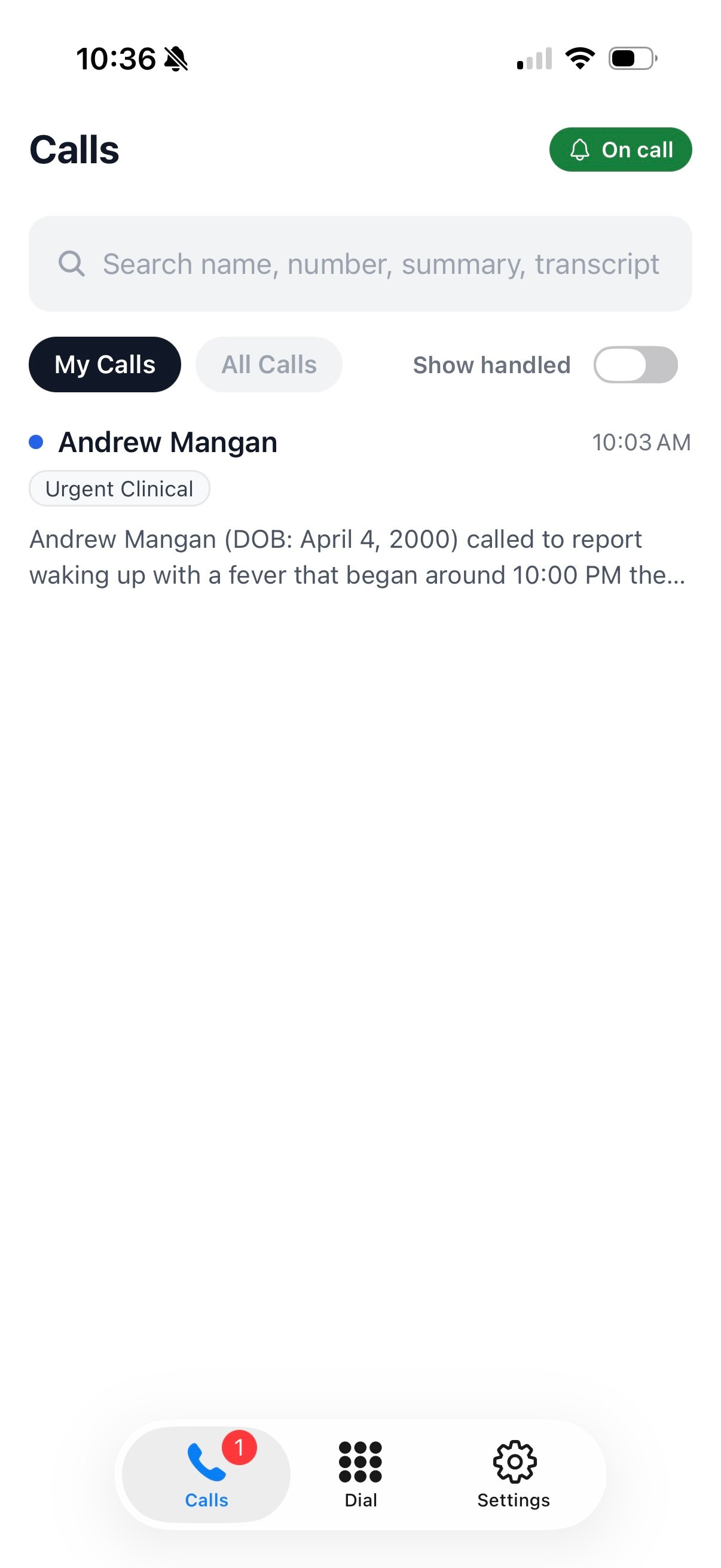
When the agent takes an urgent call for your practice, everyone on call receives a push notification within seconds of the call ending. Alerts are delivered as Time Sensitive notifications, so they break through silent mode and most Focus settings — no Do Not Disturb configuration required. Notifications never contain patient information; details stay in the app behind your sign-in. Tap the notification to open the call, or open the app to see the full list. My Calls shows calls routed to you; All Calls shows everything for the practice. You can search by name, number, summary, or transcript, and flip on Show handled to include calls a provider has already closed out.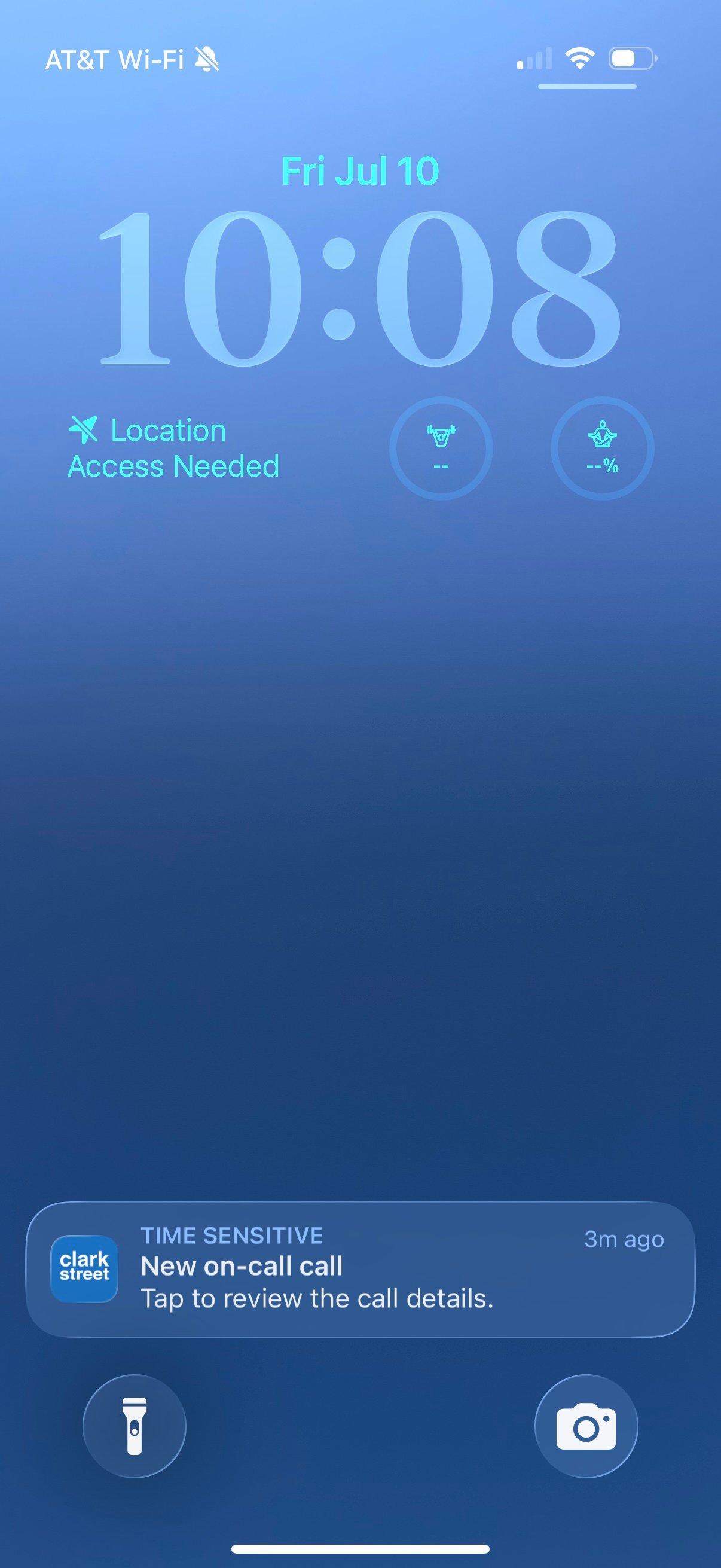
Reviewing a call
Each call opens with everything you need before you pick up the phone: the patient’s name, callback number, date of birth, the reason for the call, a written summary, the full recording, and a complete transcript. When a call is resolved, tap Mark as handled so the rest of the team knows it’s covered — handled state is shared across the practice.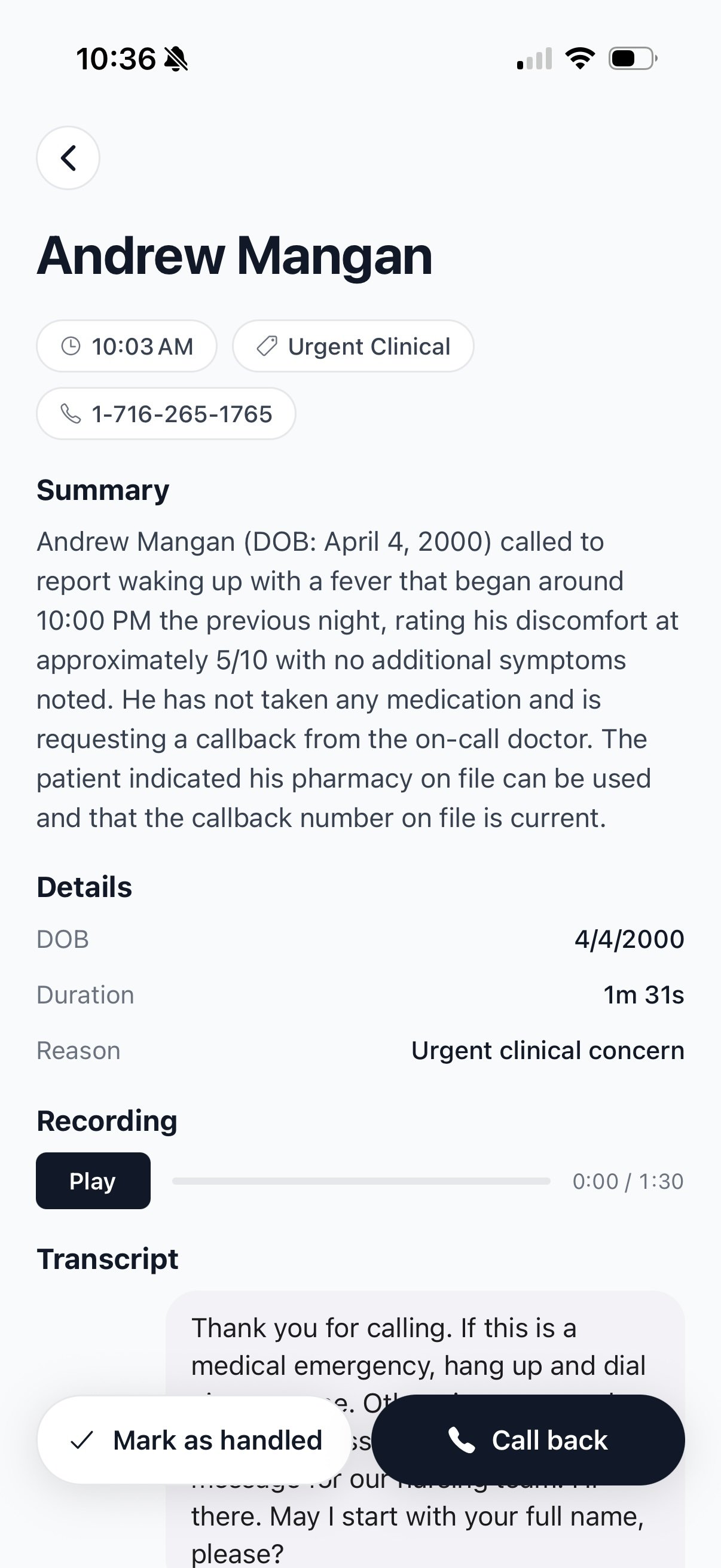
Calling patients back
Tap Call back on any call and choose the number the patient sees:- Your practice number — the call is placed through your practice line, so the patient sees the number they already know and your personal cell stays private. This is the default.
- Your number — the app hands off to the iPhone dialer and the call goes out on your own line.
On-call schedule
Open On call from the home screen (or Settings → On call) to see who is covering right now and what’s coming up. The top of the screen shows On call now; below that, coverage is grouped by day. Scroll to load more of the schedule.Temporary coverage changes
When someone needs to take over for a few hours — or hand off early — tap Change on call. You’ll pick:- Who is going on call
- Which coverage (if your practice has more than one routing bucket)
- How long — presets like 1–12 hours, until tomorrow morning at 8 AM, or custom start and end times